Features
What LeadToBill already does.
And what is coming soon.
We built LeadToBill as a lean tool - use it pragmatically, or fit it into your own stack. And you get a say in what matters most, see below.
- Available
- In progress
- Planned
Features
39 available · 0 in progress · 0 planned
Leads
- Lead boardEvery lead moves through stages, from first contact to won or lost.
- Expected revenueAn amount and a win probability per lead - the basis of your sales figures.
- A lead becomes a projectCustomer, comments and files carry over once it turns into real work.
Project
- Project listLeads and projects in one view, with search and filters.
- Project controllingSee at a glance whether a project is working out - contribution margins and further figures as charts.
- Project historySee what happened in the project, and when.
Quote
- Lines from the catalogueServices from your service catalogue, or free-form fixed amounts.
- Four statesFrom In progress through Sent to Approved or Rejected.
- Quotes become tasksApproved lines can be turned into tasks directly.
- PDF designLetterhead, fonts and spacing as on the invoice - one look for both documents.
- Send by emailStraight from LeadToBill, with your signature and the finished PDF attached.
Task
- Owner and datesWho, from when, until when - including the planned effort.
- Time logged in placeRight on the task, one click away.
- Planned against actualPlanned time can be adjusted independently of the quote.
Time
- Billable and non-billableKeep chargeable work apart from the rest.
- Quick time entryLog hours without leaving the view you are in.
- Several ways to logType a duration like 2.5h or 90, use the quick buttons - or run the stopwatch.
Expense
- Incoming invoicesRecord supplier invoices and attach the receipt right away.
- Split an invoiceSpread partial amounts across several projects.
- Track the stateFrom Draft through Approved and Paid to Rejected.
Invoice
- Three ways to an invoiceManually, from an approved quote, or from unbilled project time.
- PDF designLetterhead, fonts, spacing, placeholders and structure - the whole document is yours to shape.
- E-invoiceZUGFeRD as XML inside the PDF, XRechnung for public bodies - set per customer, shown before sending.
- Swiss QR-billThe payment part is added as the last page - Switzerland and Liechtenstein, in CHF or EUR.
- Send by emailWith a cover note, a copy to you and the PDF attached - or download and send it yourself.
- Partial invoicesBill part of a quote - the rest stays for the next partial or the final invoice.
- Cancel instead of deleteA sent invoice stays on the record.
Always alongside
- AI assistantA chat always beside you, shown when you want it. Changes arrive as a proposal you confirm.
- ContactsPeople and companies with addresses, customer data and internal notes.
- DashboardFigures, charts and widgets you arrange yourself.
- ReportsRevenue, lead volume and logged hours over the last twelve months.
- TagsLabel contacts, projects, quotes and invoices in colour, then filter by them.
- Global searchFind and create in one place - a duration like 1h starts a time entry right away.
Setup
- Workspace profileCountry, currency, language and time zone - plus the seller data no e-invoice is valid without.
- VAT ratesYour country's rates are there; add your own, including the categories e-invoicing needs.
- PDF templatesBuild your own layout in an editor, put your letterhead behind it, use your own fonts - a default per language.
- Service catalogueReusable services with units and prices: hours, days, months, items and fixed amounts.
- Users and rolesMaintain profiles and set the hourly cost for each person.
- DesignColour themes plus light or dark appearance.
Integrations
4 available · 3 in progress · 8 planned
Accounting
- CSV exportBooking data as CSV - for any accounting system.
- DATEVThe standard among German tax advisors.
- BMDThe standard among Austrian tax advisors.
- SageIntegration with Sage.
- AbacusOctoberIntegration with Abacus.
- BexioQ4Integration with Bexio.
AI
- MCP serverOctoberConnect LeadToBill to Claude, ChatGPT, awork, Notion, n8n and more.
Project management
- aworkQ4Keep projects, tasks and time in sync.
Communication
- SlackQ4LeadToBill notifications in Slack.
- Email inboxQ4Forward invoices and enquiries to LeadToBill by mail.
- NotionQ4Exchange content with Notion.
Automation
- n8nQ4Build LeadToBill into your own automations.
- ZapierQ4Connect to many more apps without writing code.
Time tracking
- timebroon requestTake time entries over from timebro.
- Clockifyon requestTake time entries over from Clockify.
You decide what comes next, and how urgently.
We are glad to take up ideas for connecting more and more tools - we look forward to your feedback.
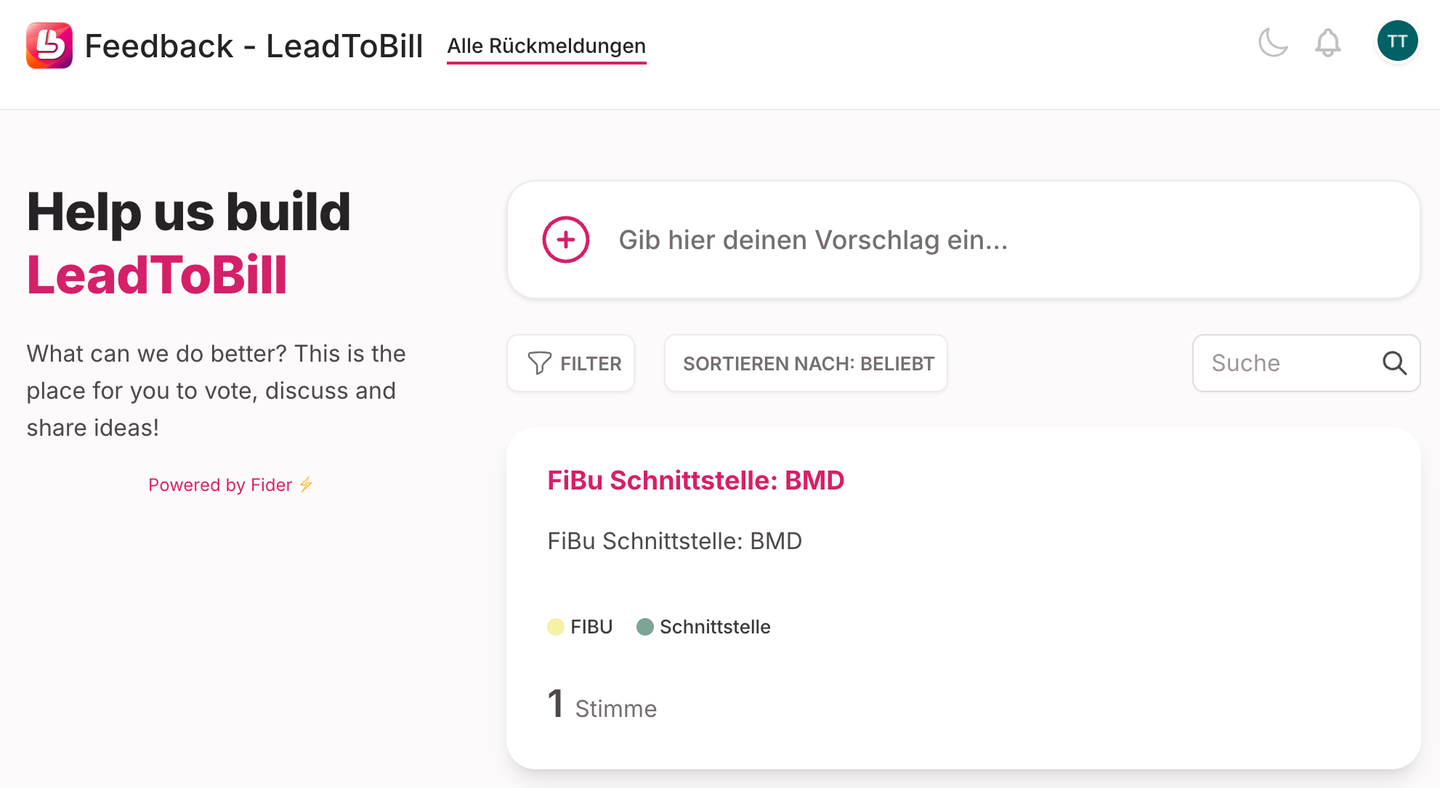
To the feedback board